
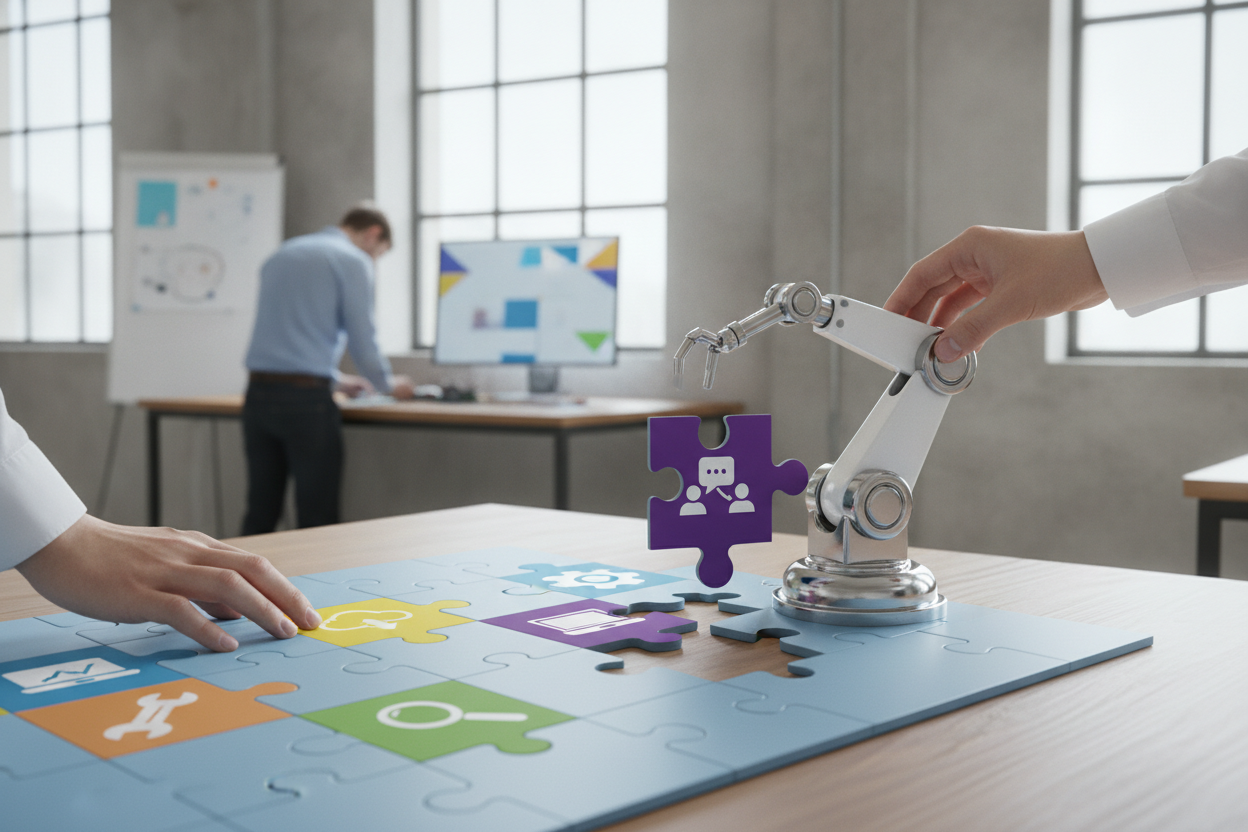
The AI tool is usually fine. The location is almost always wrong. That is the short answer to why most enterprise AI rollouts stall six months after launch — and why we build AI agents inside the tools teams already live in, not alongside them.
Access is not adoption
BCG published research in April 2025 showing that only 1 in 4 businesses are successfully scaling AI. More striking: roughly 70% of software developers — the most tool-fluent cohort in any organization — are not using GenAI tools they have access to. The tools exist. The licenses are paid. The demos went well. And yet.
BCG puts it plainly: "The mistake executives make is: I have the technology, I gave the tools to the organization, so now they will use them. But access is only the starting point." (BCG, April 2025)
BCG's own research attributes the gap almost entirely to psychological barriers — fear, habit, and not knowing what is possible. But there is a structural cause underneath the psychology: every new tool asks people to change where they work, not just how they work. That is a tax most teams will not pay voluntarily.
In our engagements, we see the same pattern. A team gets access to an AI writing assistant or a CRM intelligence layer. For the first two weeks, the curious 20% explore it. Then usage drops. Not because the tool stopped working — because the team stopped going to it. It lives in a tab they never open.
The toggling tax is real and it compounds
Research cited by Shieldbase AI puts hard numbers on the cost of app-switching. A study of 137 users across three Fortune 500 companies over five weeks found that employees toggled between applications roughly 1,200 times per day. Each switch cost just over two seconds — but the cognitive reset that follows each switch is what accumulates. The study found nearly four hours per week lost to reorientation alone, which works out to five full work weeks per year, or 9% of annual working time, gone to switching context rather than doing work.
The detail that stays with us: after 65% of those switches, the user toggled again within 11 seconds. The time spent in the destination app was barely longer than the cost of navigating there. That is not a productivity system. That is a swivel chair with a software subscription.
Meanwhile, McKinsey research via Shieldbase shows knowledge workers spend 28% of their workweek on email alone, and UC Irvine researcher Gloria Mark has documented that a single interruption costs roughly 25 minutes of recovery time. The toggling tax does not just steal minutes — it degrades the quality of attention for everything that follows.
Ask one question before any AI integration
Before you spec an AI agent, before you evaluate vendors, before you write a single line of integration code — ask this: where does your team actually spend most of its working hours?
Not where they are supposed to work. Not where the system of record lives. Where do they actually spend most of their time, communicating, coordinating, and making decisions?
For most GTM teams, the honest answer is Slack or Microsoft Teams. Not the CRM. Not the project management tool. Not the data dashboard. The messaging layer. That is where context lives, where decisions get made informally, and where the real workflow runs. The CRM gets updated after the fact, if at all.
Salesforce ran this experiment on themselves. In February 2025, they deployed AI agents directly inside Slack. Six months later, 86% of employees were using those agents to get answers and take action — without leaving Slack. The projected savings: 500,000 employee hours annually. Their Sales Agent alone is estimated to save 203,000 hours per year by surfacing pipeline data, forecasts, and competitive intelligence inside the channel where sales conversations already happen. Andy White, SVP Technology at Salesforce, described the core lesson as building "solutions that work for teams, not just systems."
Slack's own research on Salesforce Sales Cloud users tells the same story from the other direction: among users not connected to Slack, more than half struggle to track progress, and nearly half face major challenges with knowledge retention and searchability. The CRM holds the data. But if accessing that data requires leaving the communication layer, most people will not access it consistently.
What workflow-native AI actually looks like in practice
This is not abstract. Here is what we build for clients who spend their day in Slack:
CRM inside the channel. A sales rep closes a call. Instead of opening Salesforce, switching tabs, finding the contact, and manually logging notes, they drop a summary in a designated Slack channel. An AI agent reads the message, extracts the relevant fields, and updates the CRM record. The system of record stays current. The rep never left Slack.
Content output, on demand. A GTM leader needs a competitive one-pager before a call in two hours. They send a Slack message to the content agent with context. The agent pulls the relevant product positioning, formats a draft, and returns it in the thread. No prompt engineering interface to learn, no separate tool to open.
Finance summaries without the dashboard tour. A founder wants to know burn rate, cash position, and top three spend categories before a board call. One Slack message to the finance agent. The answer comes back in plain language, sourced from the connected data, in under thirty seconds. The finance dashboard still exists — but the friction of finding and reading it is gone.
The pattern across all three: the AI does not create a new place to go. It shows up where the work already is. The workflow stays intact. The quality of information inside that workflow improves.
The principle that governs everything we build
We think the best AI integration is the one people cannot tell is an integration. It feels like the tool they already use got smarter. Not like they got a new tool to learn on top of the ones they are already managing.
BCG's own pilot of an AI-driven calendar tool found that 92% of users said they would keep using it — because it worked inside their existing flow. Not because it was the most powerful tool available. Because it did not ask them to change where they worked.
That is the design constraint we hold every client to: define where the team actually lives, then bring the agent there. If they live in Slack, the agent lives in Slack. If they live in Teams, the agent lives in Teams. If they live in email, the agent lives in email. The model does not matter if people never open the tab.
The question to answer this week is not "which AI tool should we buy?" It is "where does our team actually spend their day — and is our AI there yet?"